
Use the tool directly → PNG to JPG Converter
Have you ever tried to upload a photo to a website, a government form, or a job application, only to get an error message saying, “File size too large” or “Only JPG formats allowed”?
It is incredibly frustrating. You have the perfect image, but the website just won’t accept it because it is a PNG.
While PNGs are great for quality, they can be heavy and take up a lot of storage space. The solution? Converting them to the universal, lightweight JPG format.
In this guide, we are going to walk you through exactly how to convert PNG to JPG online using ConvertioHub. It’s the quickest way to shrink your files and ensure they work on every device, email, and website.
Let’s get started!
What Are PNG and JPG? (And Why Switch?)
To understand why you need to convert, let’s look at the difference between these two popular formats.
PNG (Portable Network Graphics):
PNGs are known for “lossless” quality. They preserve every detail and support transparent backgrounds. However, this quality comes at a cost: File Size. A complex PNG image can be huge (5MB+), which makes it slow to email or upload.
JPG (Joint Photographic Experts Group):
JPG is the internet’s favorite format. It uses “lossy” compression to significantly reduce file size without ruining the image to the naked eye. While it doesn’t support transparency, it is supported by virtually every device and website in existence.
In short:
- Keep it PNG if you need a transparent background or are editing a logo.
- Convert to JPG if you need to save space, send an email attachment, or upload a photo to a strict website.
Why You Need a PNG to JPG Converter in Daily Life
Converting files sounds technical, but it solves very common everyday problems. Here is why you might need this tool:
- Online Forms & Applications: Many official portals (like passport renewals or job sites) have strict file limits (e.g., “Max 2MB”). A PNG is often too big; converting to JPG shrinks it instantly.
- Faster Website Loading: If you run a blog or website, using huge PNGs slows down your page speed. JPGs load much faster for your visitors.
- Email Attachments: Have you ever tried to email a few photos and hit the attachment size limit? Converting them to JPG creates a smaller package.
- Printing Photos: Some photo printing kiosks and services prefer JPG files for standard prints.
Step-by-Step: How to Use ConvertioHub to Convert Images
Ready to fix your file issues? We have designed ConvertioHub to be simple and fast. No technical skills required.
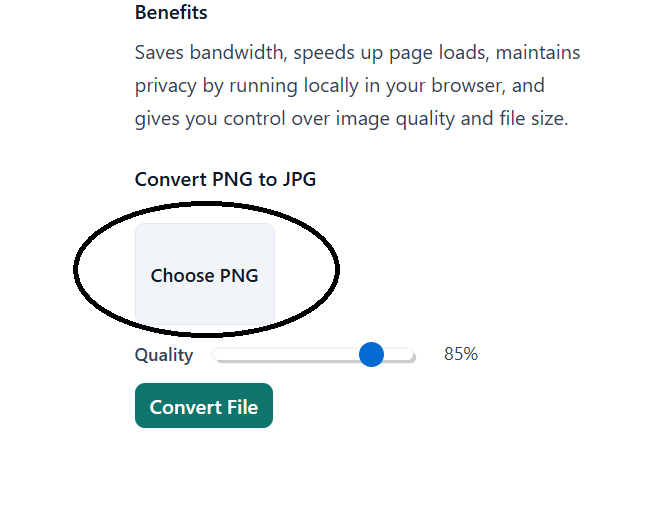
Step 1: Go to the Converter Tool
Navigate to our specialized tool here: ConvertioHub PNG to JPG Converter.
Step 2: Upload Your PNG File
You will see a prompt to “Choose File.”
- Click the button to browse your computer or gallery.
Step 3: Select ‘JPG’ as the Output
Ensure that JPG (or JPEG) is selected as the target format.
Step 4: Click ‘Convert’
Hit the convert button. Our servers will process the image, compressing the data to create a lightweight JPG version.
Step 5: Download Your New Image
Once the process is complete, a Download button will appear. Save your new, compatibility-friendly JPG file to your device.
Important Note: What Happens to Transparency?
This is the most common question we get!
Since JPGs do not support transparent backgrounds, any transparency in your original PNG will turn into a solid color (usually white or black) when you convert it.
- If your image is a photo: You won’t notice a difference.
- If your image is a logo with a clear background: Be aware that it will now have a solid box background.
Why Use an Online Tool vs. Desktop Software?
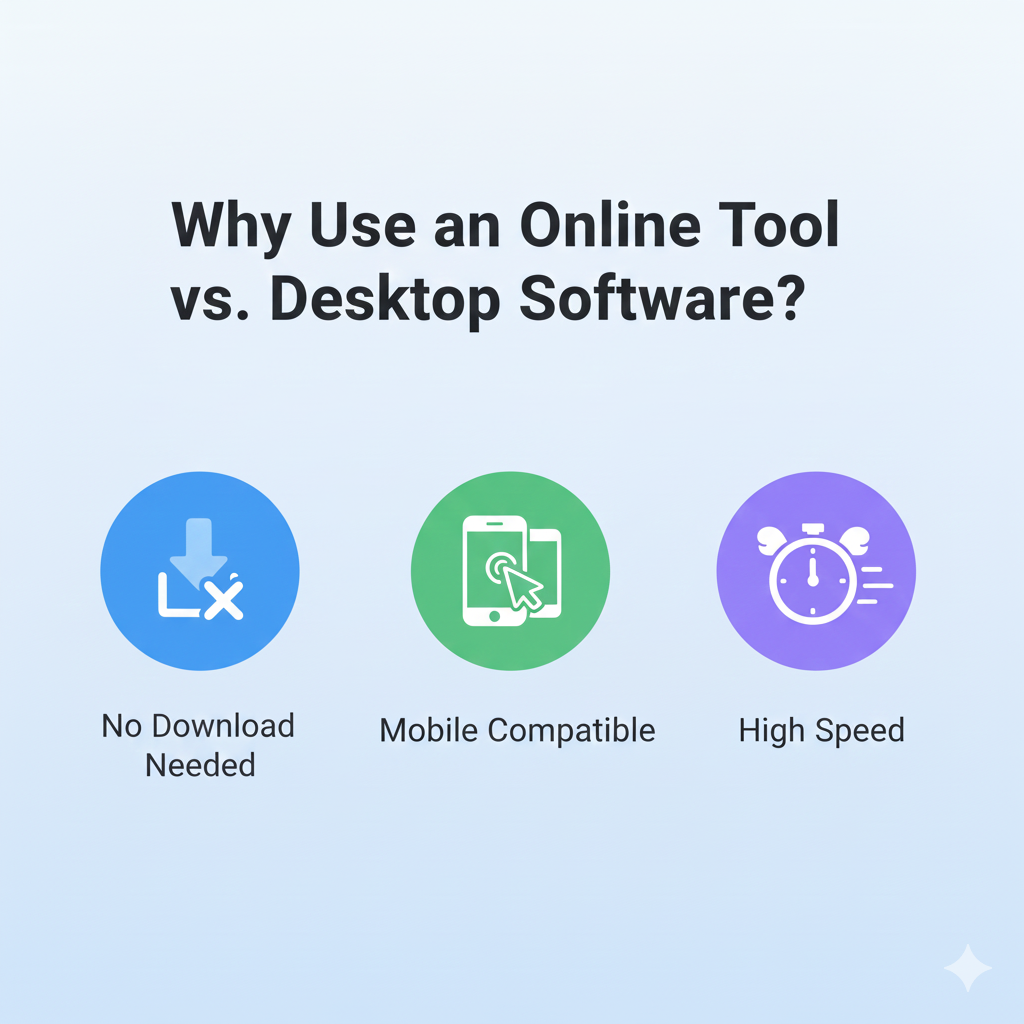
Why download a massive program like Photoshop just to change a file type? Here is why ConvertioHub is the better option:
- Save Storage Space: No need to install heavy software on your laptop or phone.
- Works on Any Device: Whether you are on an iPhone, Android, Mac, or Windows PC, you just need a web browser.
- Instant Results: The conversion happens in the cloud, usually in seconds.
- It’s Free: We believe in making basic file management accessible to everyone.
Frequently Asked Questions (FAQs)
Q1: Is it free to convert PNG to JPG on ConvertioHub?
A: Yes! Our tool is completely free to use for your everyday conversion needs.
Q2: How much space will I save by converting to JPG?
A: It depends on the image, but it is common to see file sizes drop by 50% to 80% when switching from PNG to JPG, making sharing much easier.
Q3: Will I lose image quality?
A: JPG is a compressed format, so technically there is a tiny loss of data. However, for standard photos and web use, the difference is usually invisible to the human eye.
Q4: What happens to the transparent background in my PNG?
A: Since JPG does not support transparency, the transparent parts will be filled with a solid color (usually white) during conversion.
Q5: Is it safe to upload my personal photos?
A: Absolutely. We prioritize your privacy. Files are processed securely and are automatically deleted from our servers shortly after conversion.
Conclusion
Don’t let a “File Size Too Large” error message ruin your day. Whether you are applying for a job, sending a funny meme, or optimizing your website, the file format matters.
Converting PNG to JPG is the easiest way to ensure your images are lightweight, compatible, and ready for the web. And with ConvertioHub, you can do it in just a few clicks.
Ready to shrink those files?
👉 Click here to convert your PNG to JPG on ConvertioHub now!